All instalment plans can be reported on from within the GameDay Reporting Tool.
To report on the instalment plans, please follow the steps below:
Log in to your GameDay Organisation Dashboard
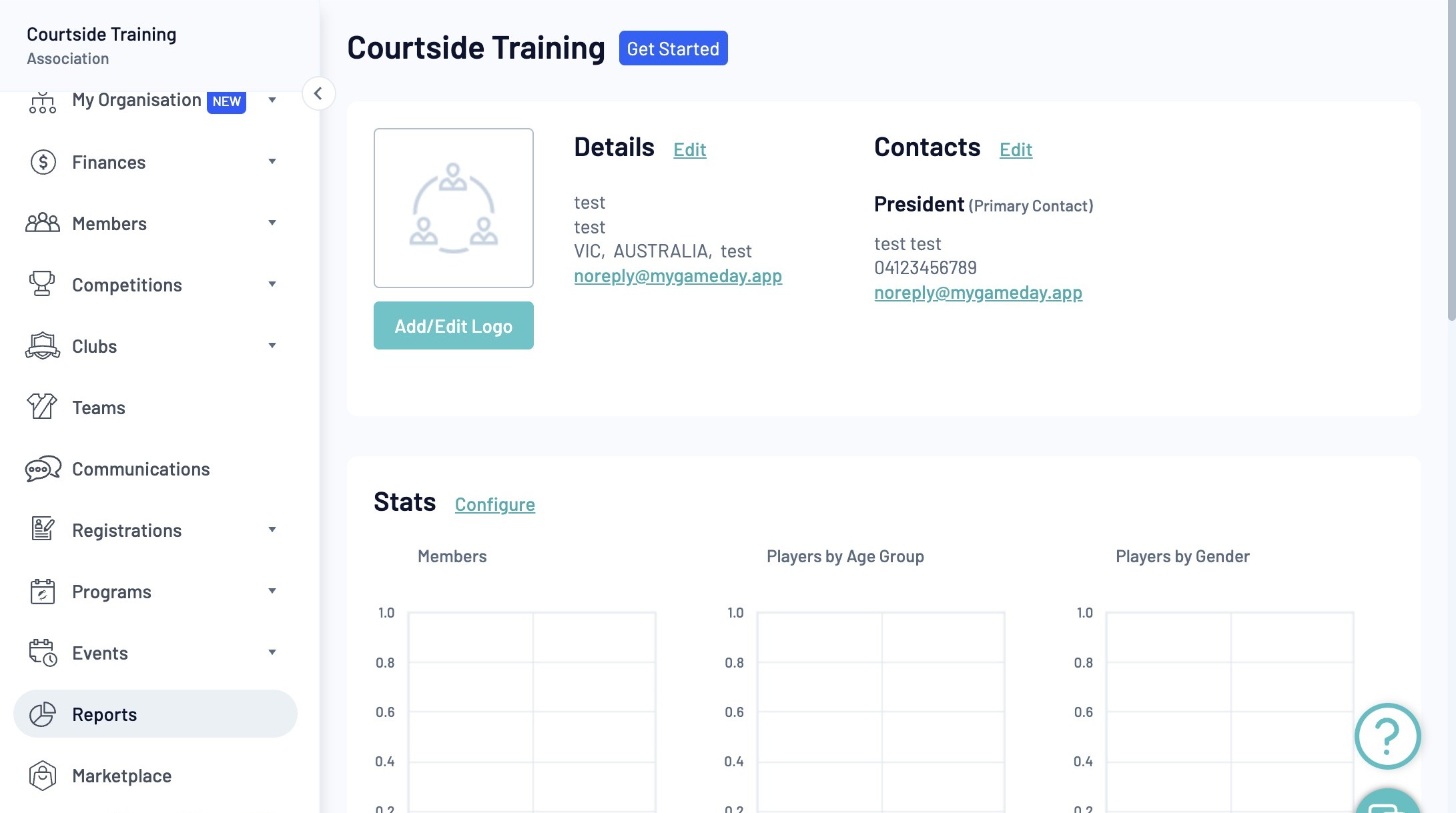
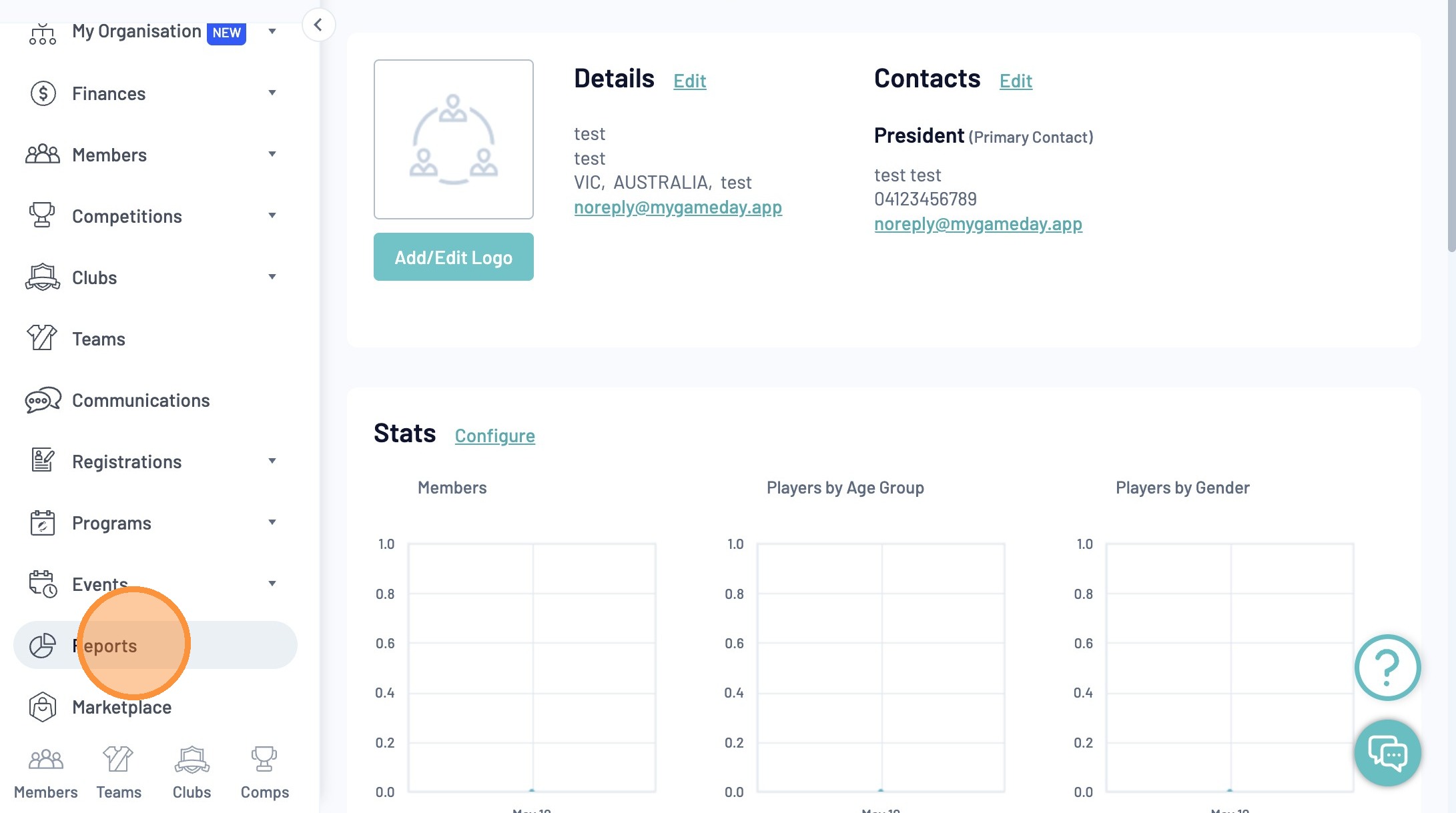
Click "Reports"
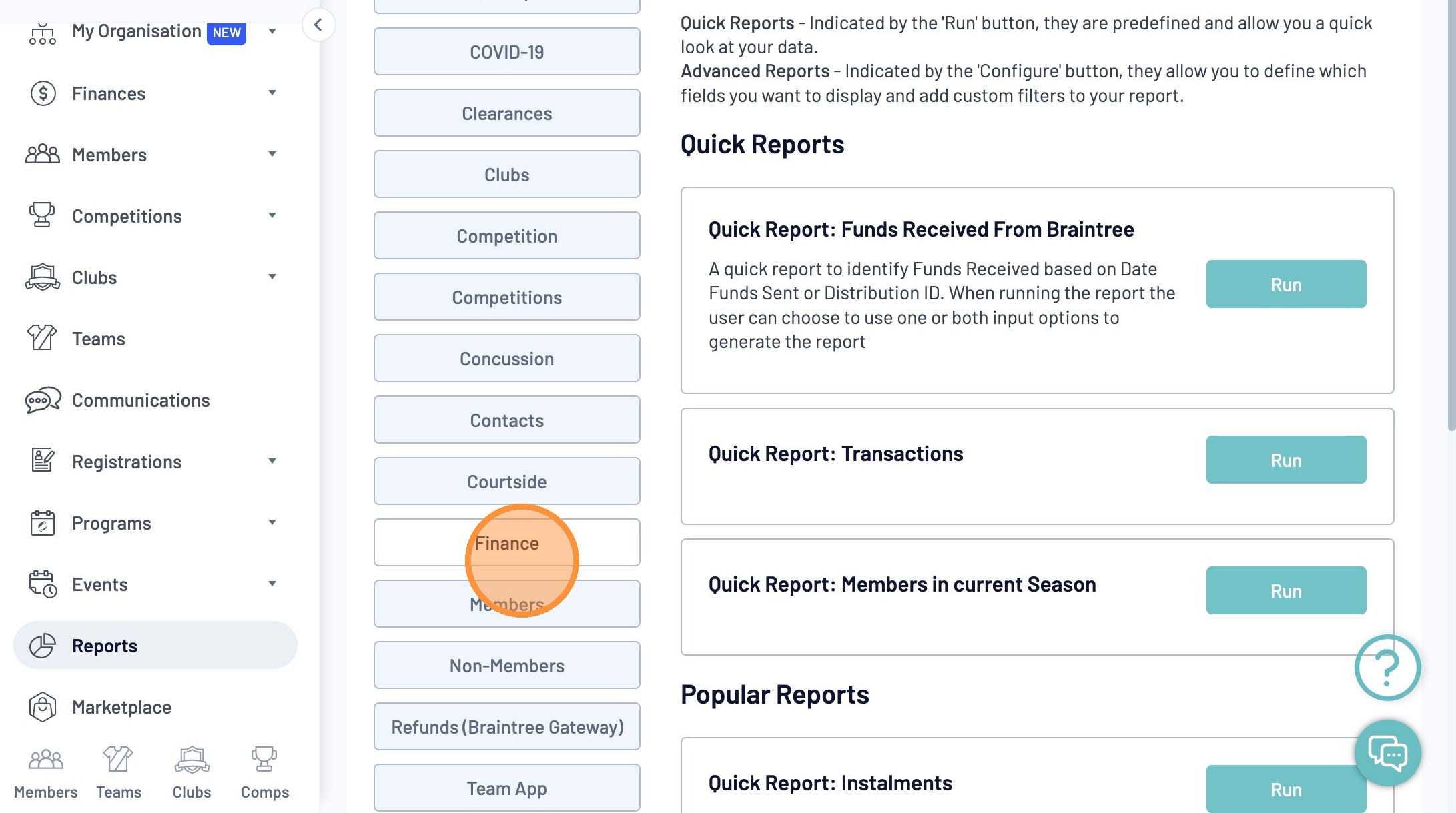
Navigate to the "Finance" tab
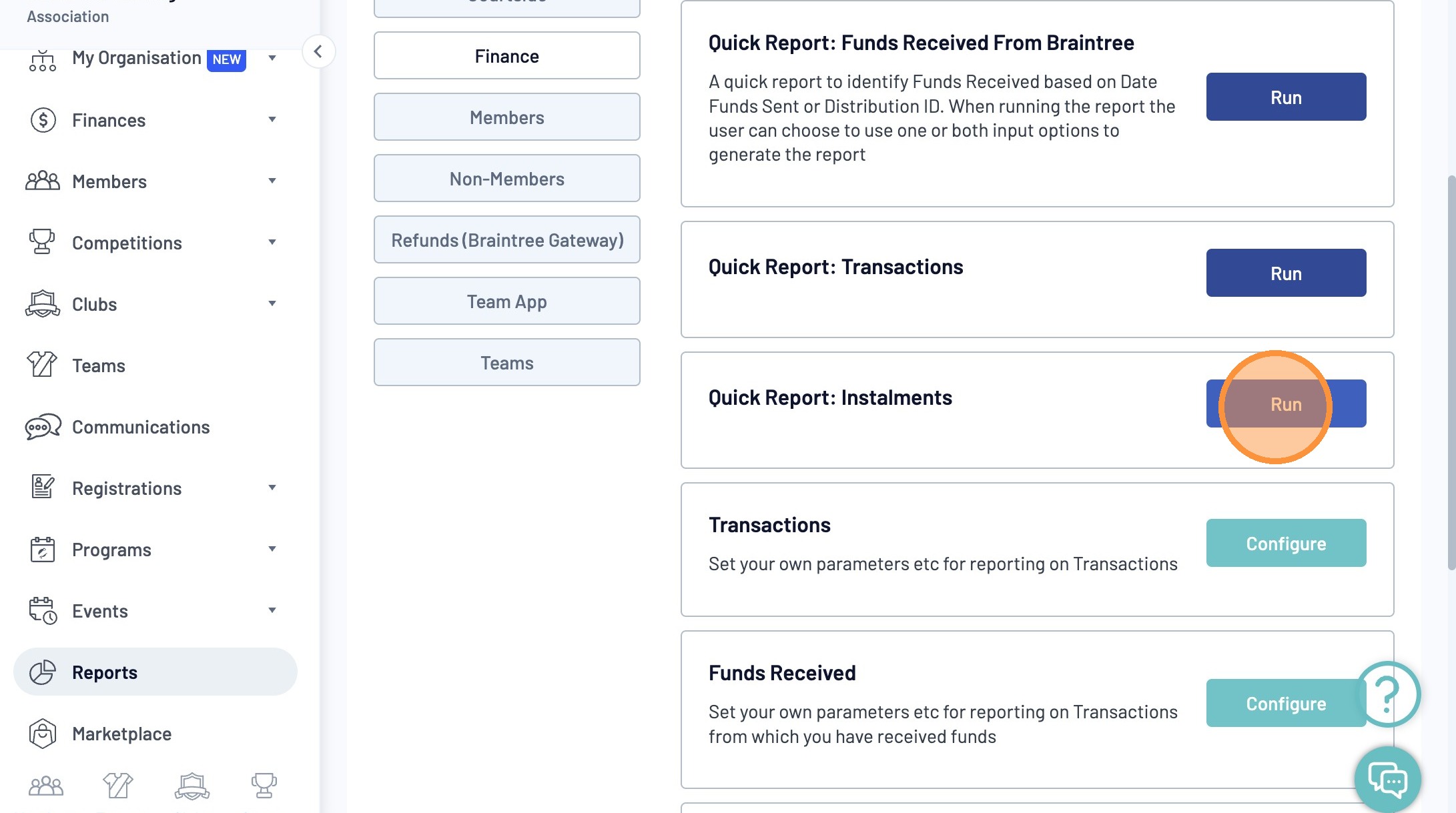
Locate the "Quick Report: Instalments" and click "Run"
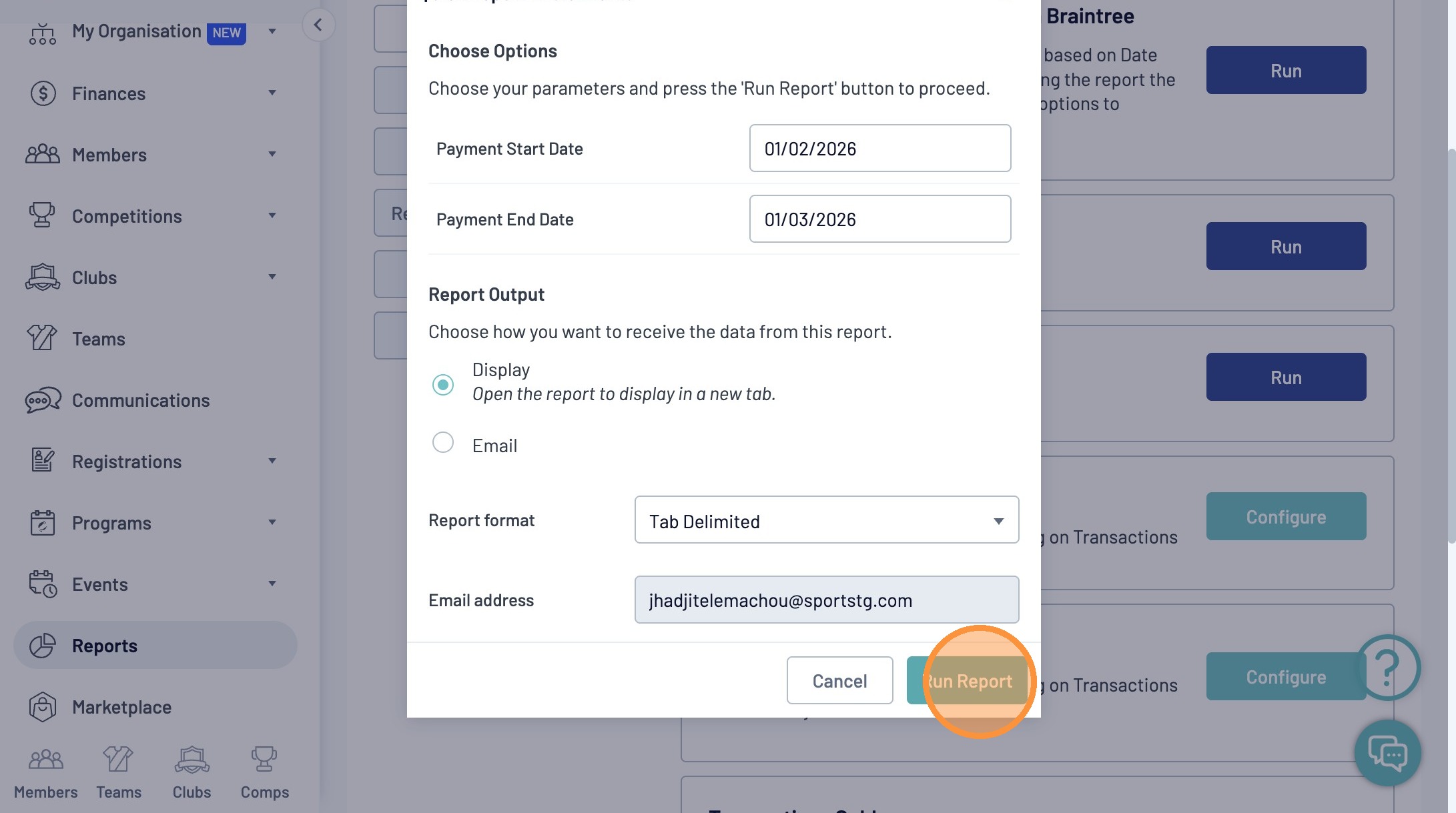
Update The Payment Start and End Dates and Click Run
Note: The following fields are available within the Instalments Quick Report
- Order ID
- Order Date
- Payment For
- Products
- Instalment Amount
- Scheduled Payment Date
- Payment Date
- Instalment Failure
- Status
