GameDay enables administrators to create customised reports and share them with organisations sitting below them in the hierarchy (for example, State → Region → Association → Club).
This functionality ensures that all subordinate organisations are collecting and submitting data in a consistent and structured format, making high-level reporting more accurate and efficient.
Why Use This Feature?
Ensure consistent data collection across all levels
Standardise report formats for compliance and governance
Improve data accuracy for board, state, or national reporting
Reduce manual consolidation and formatting work
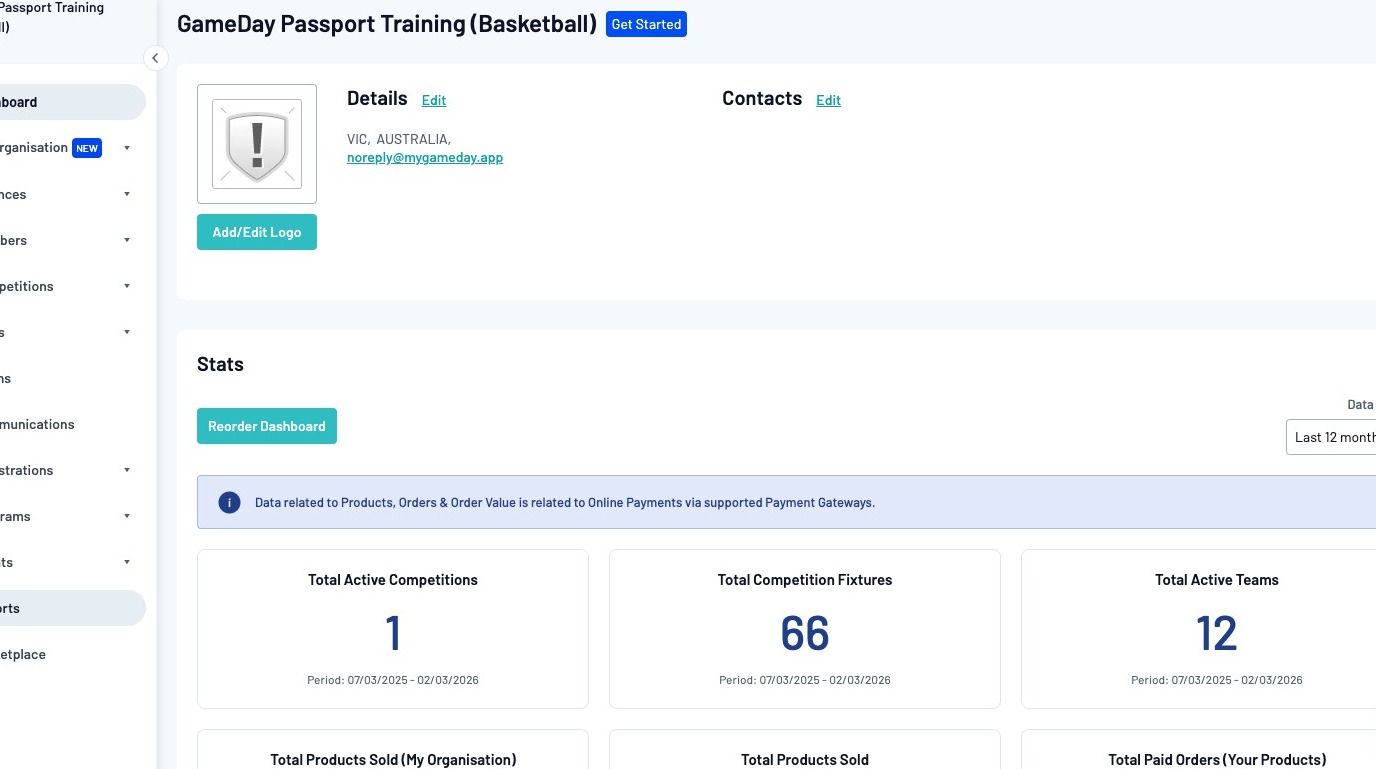
Click "Reports"
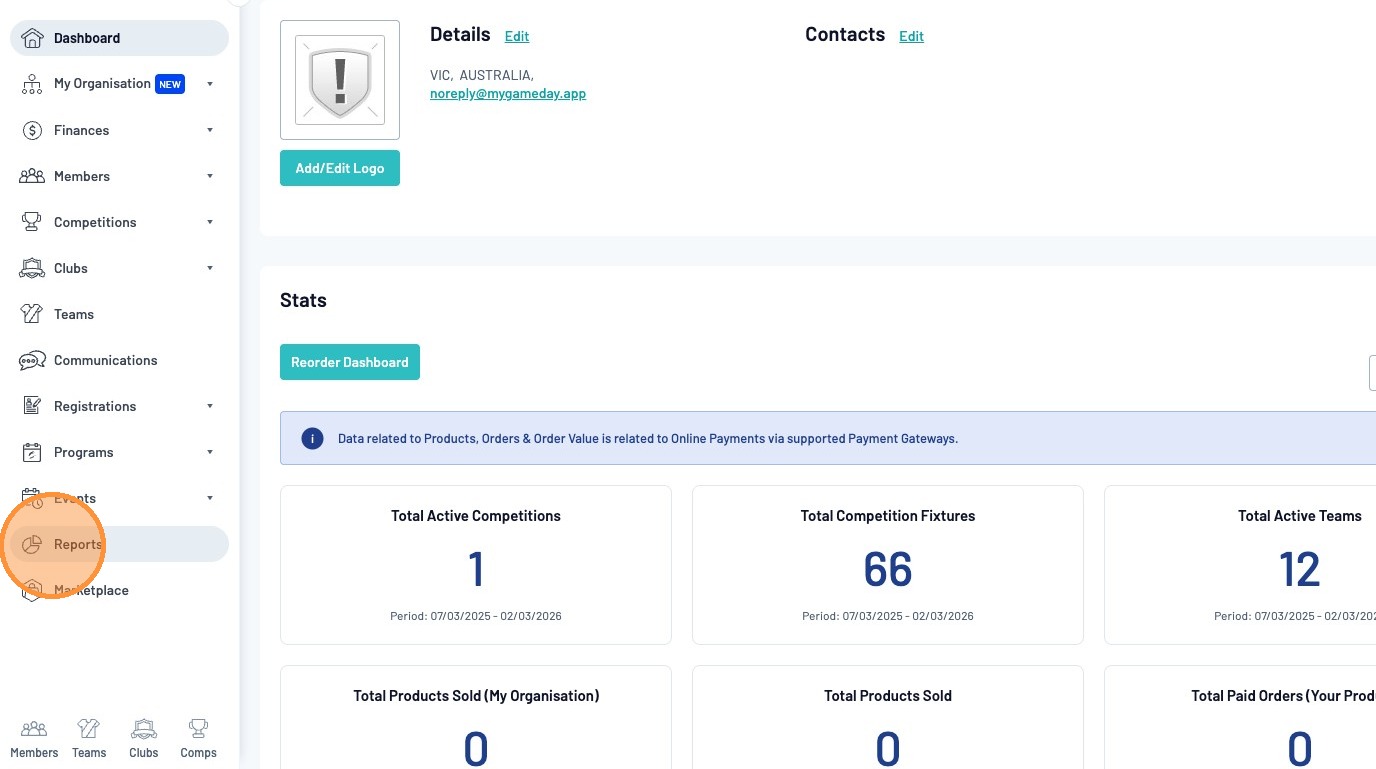
Select "Copy / Distribute A Report"
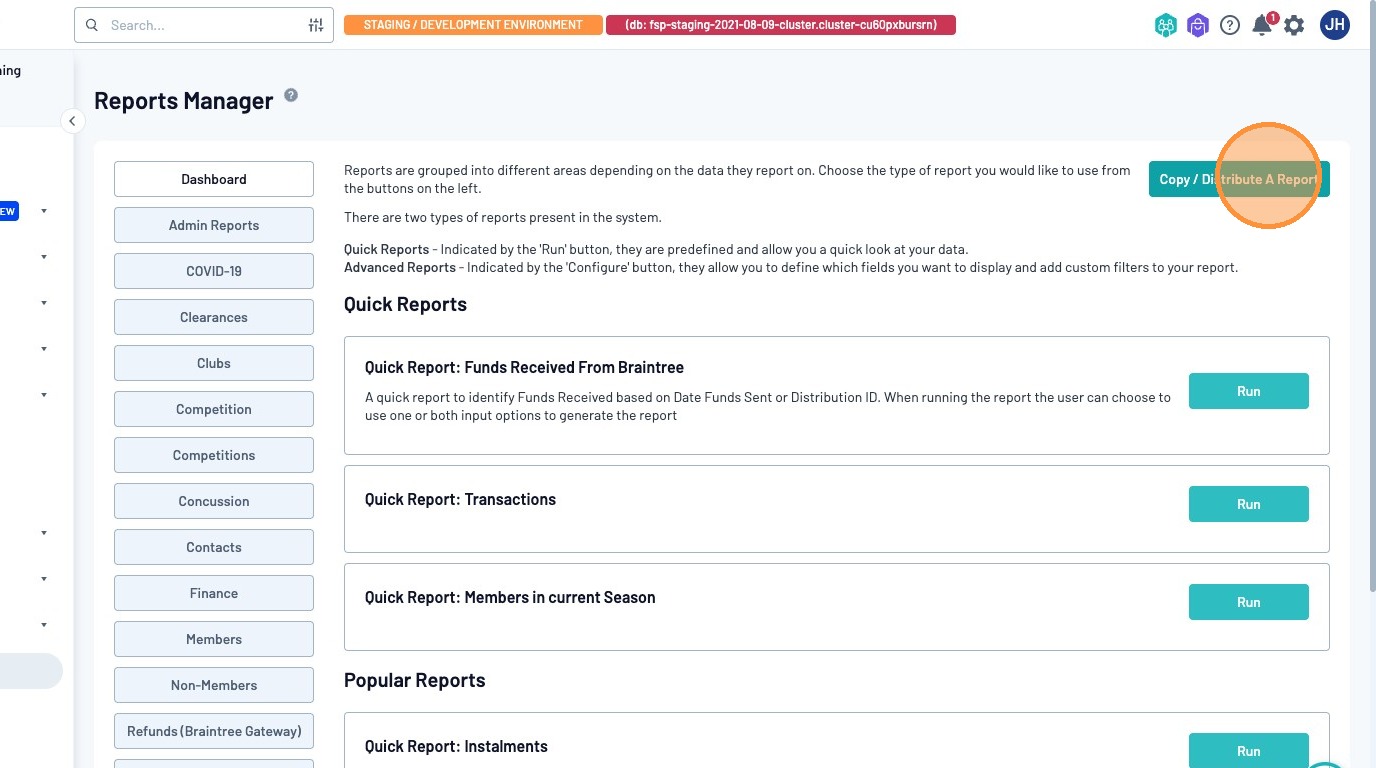
From the Copy Reports page, you can select the report you would like to share as well as the specific organisations you wish to share this report with.
In this example, we would like to share an Advanced Member report.
Dropdown Example: "Advanced Member - GameDay Share Report Example"
Note: The naming conventions in the dropdown list are as follows:
[Report Type] - [Saved Report Name]
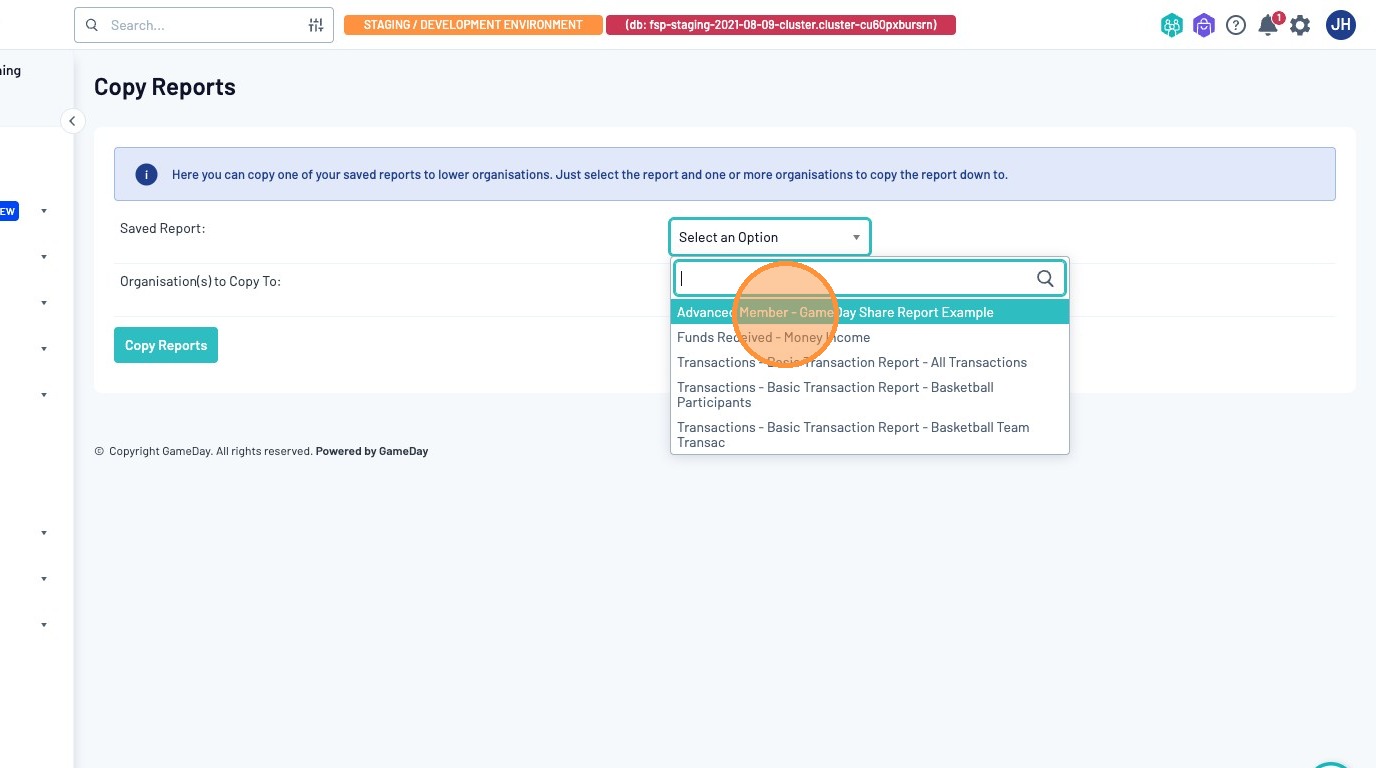
Select the organisation you wish to share the report with, or click the "Copy to All Organisations Below" to share this report with your entire hierarchy

Click "Copy Report"
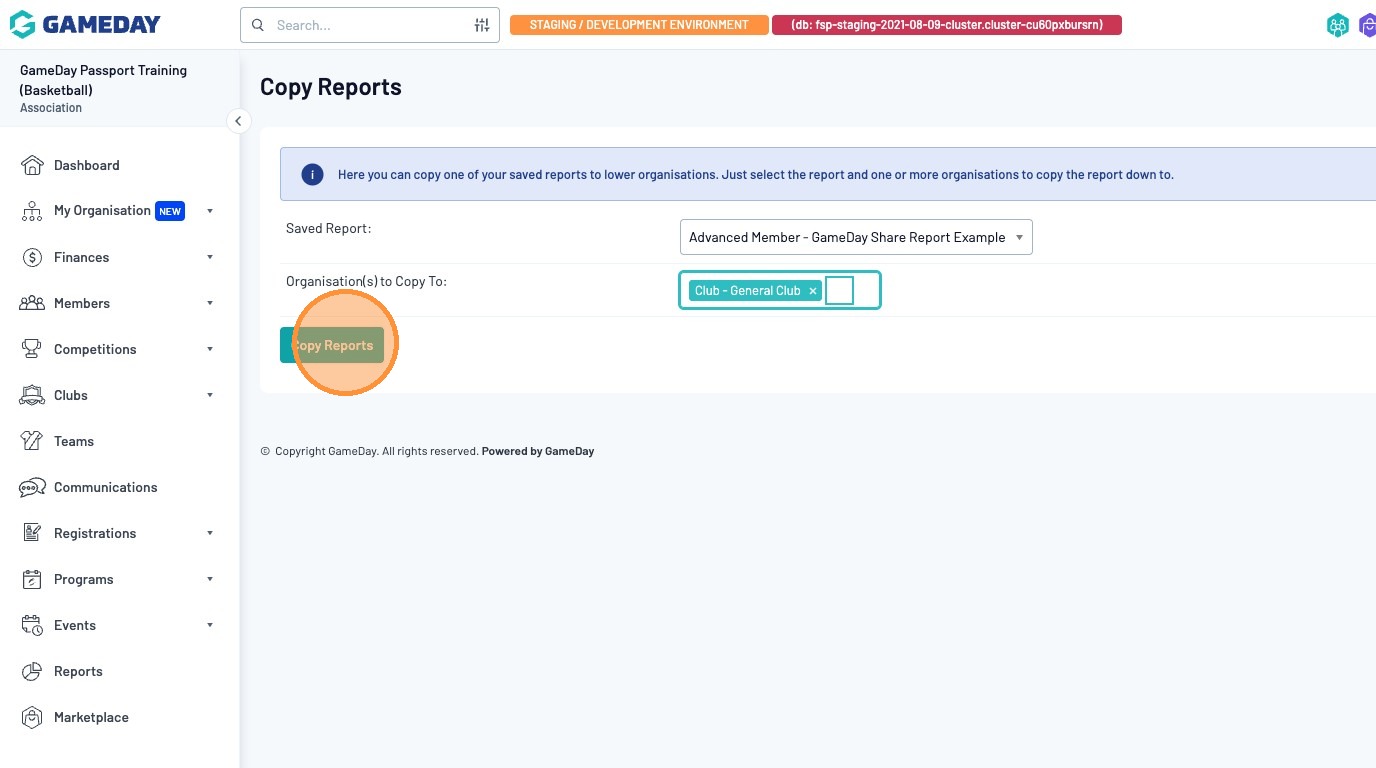
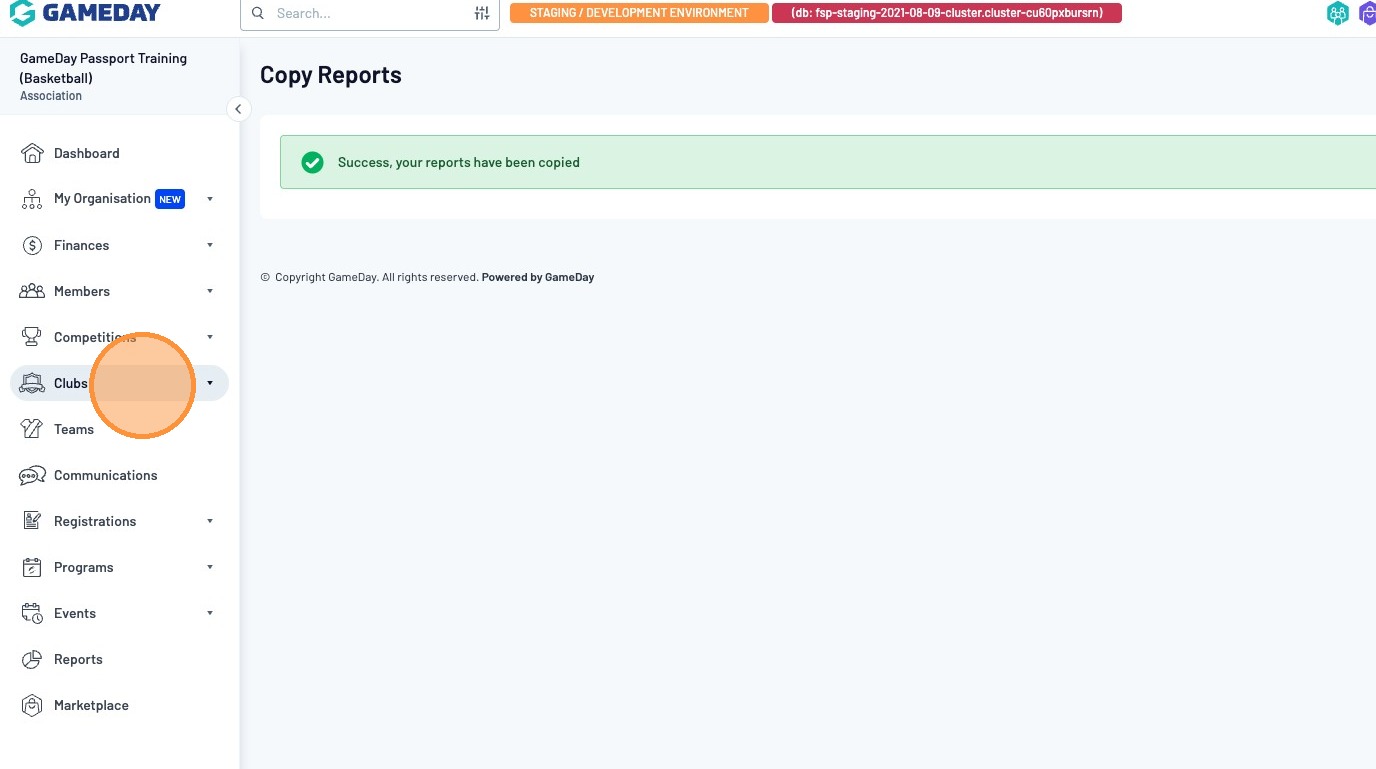
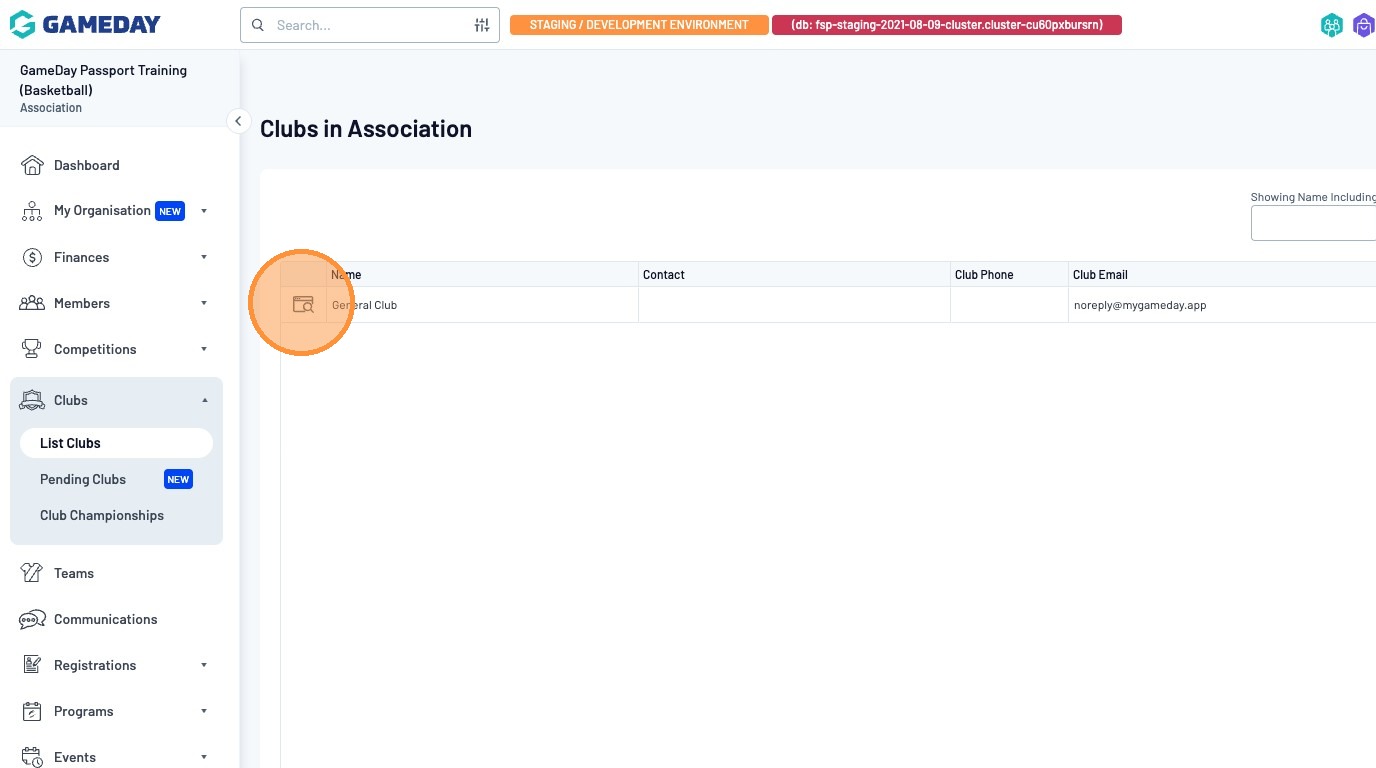
To navigate to your newly shared report, click on the "Clubs" menu item
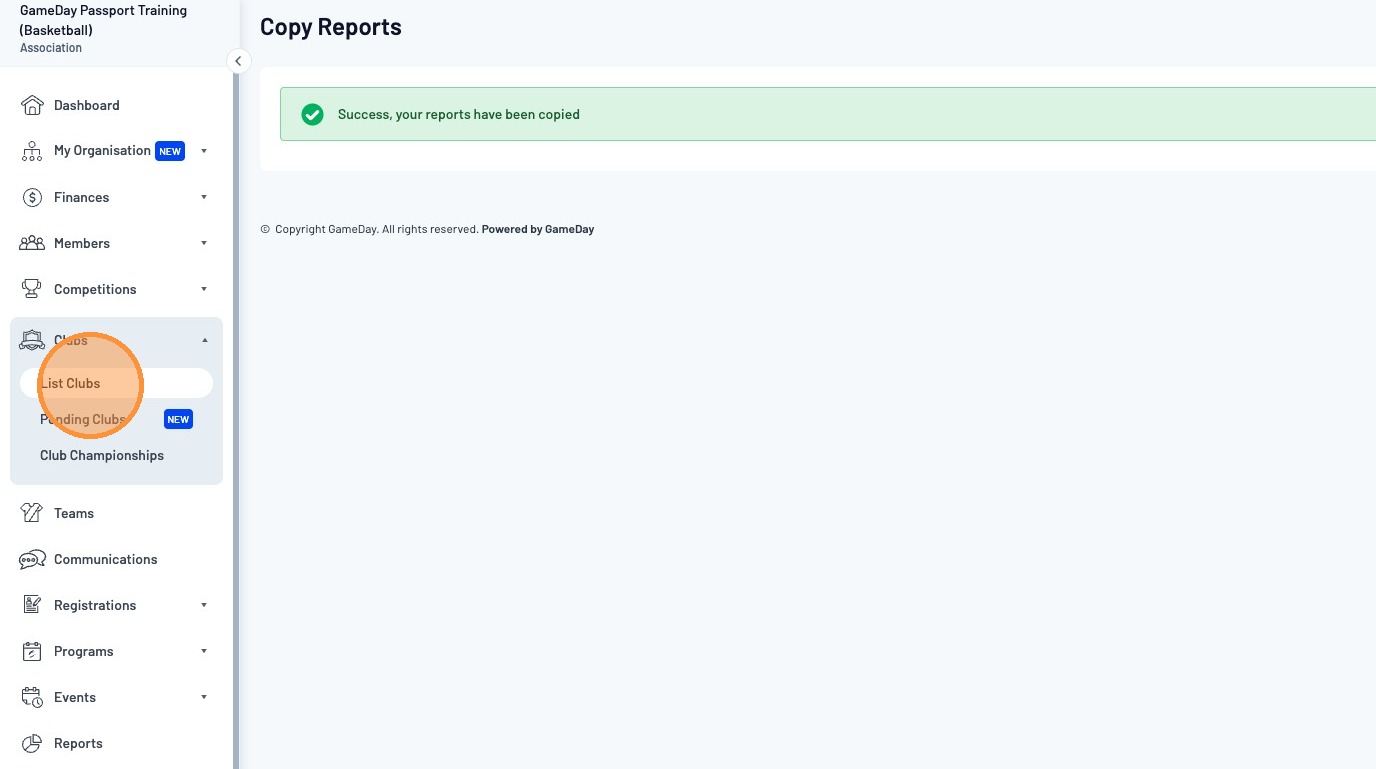
Click "List Clubs"
Click on the Magnifying Glass of the organisation you have shared the report with
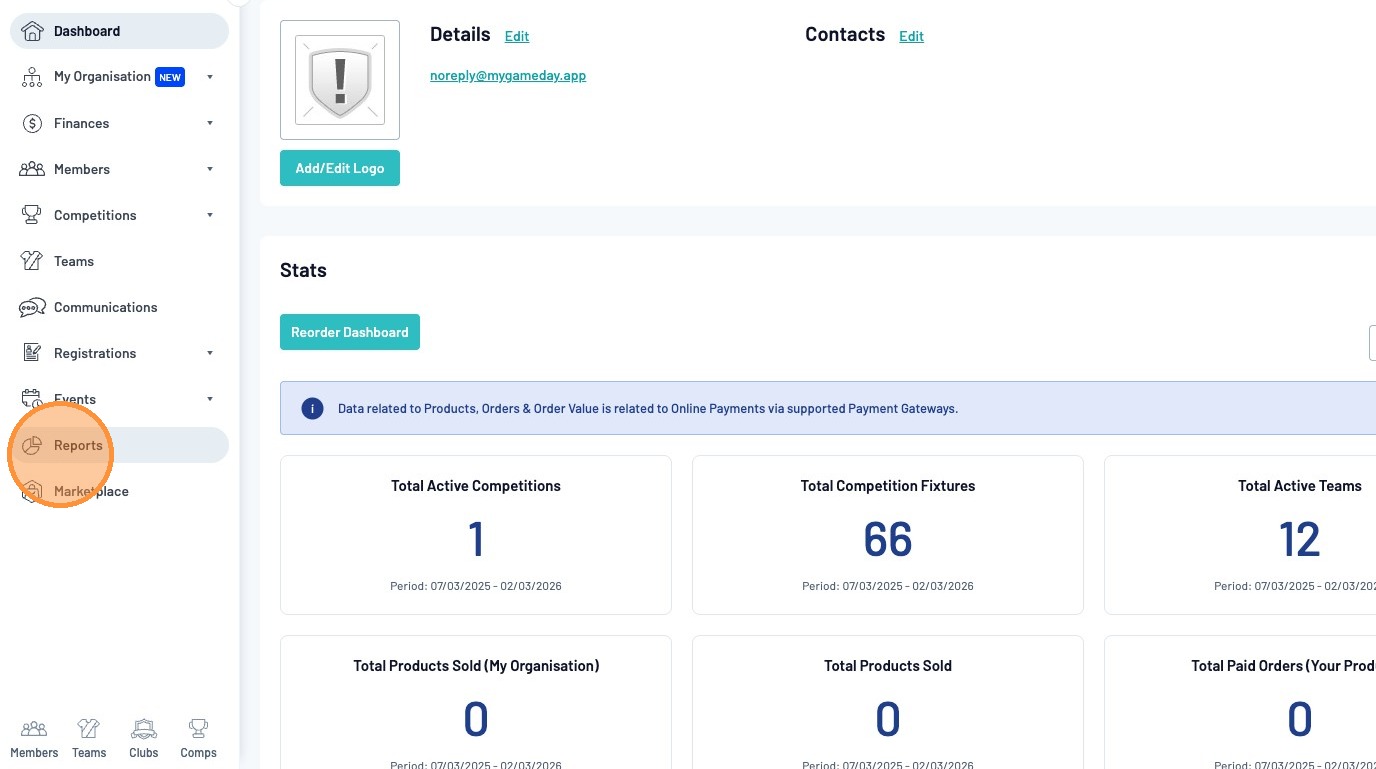
Click "Reports"
Navigate to the report type.
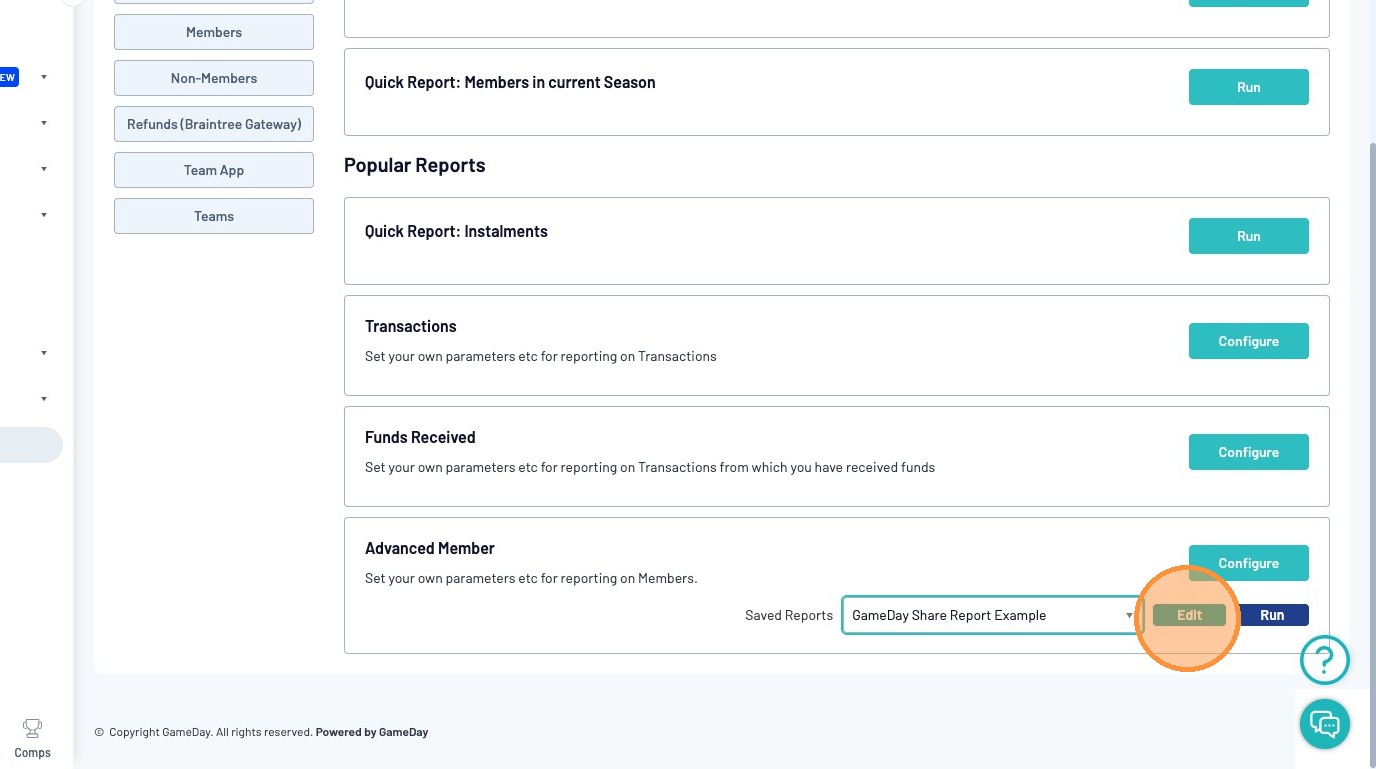
In this example, we have shared an "Advanced Member" report
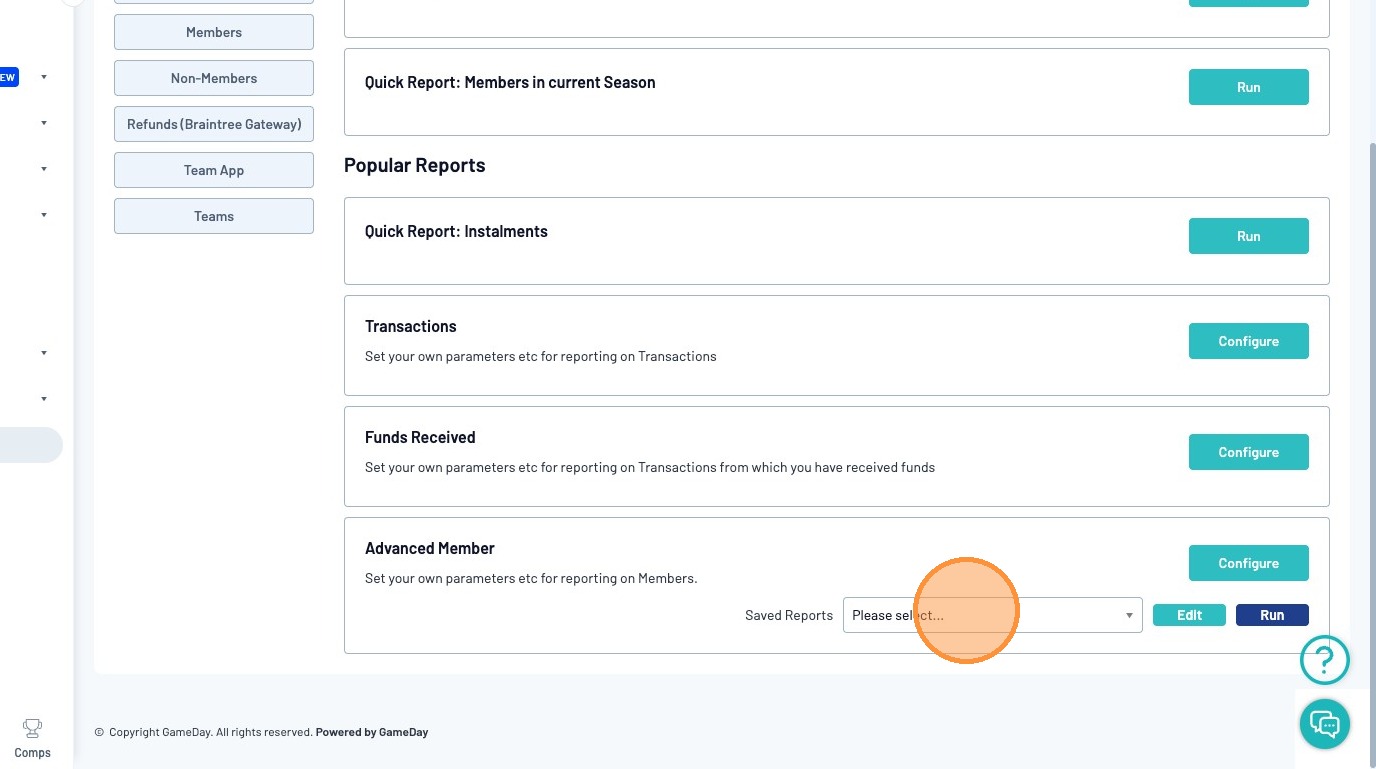
Click on the Saved Reports dropdown and select "GameDay Share Report Example"
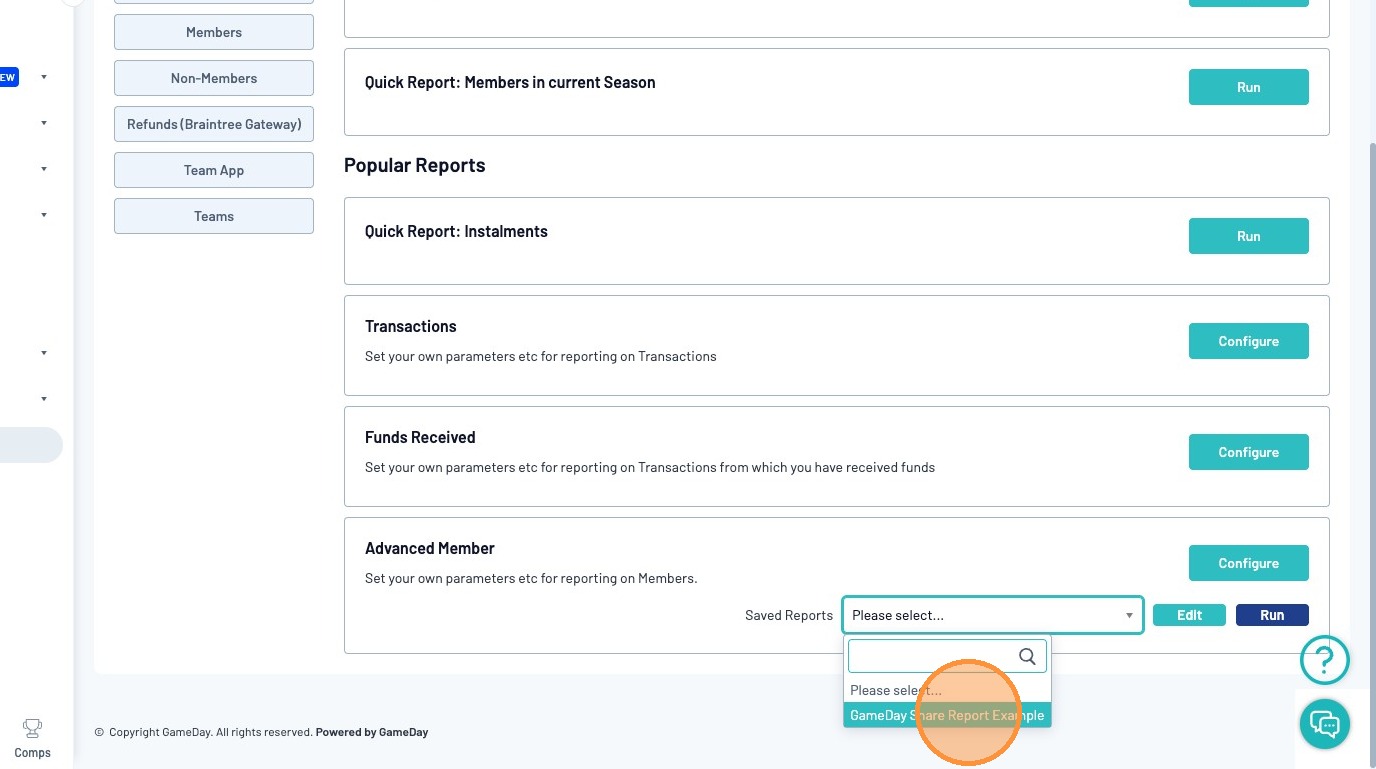
Click "Edit" to view the shared report fields and configure further if required
Note: The naming conventions in the dropdown list is as below:
[Report Type] - [Saved Report Name]
