GameDay Passport includes the ability for users to follow their favourite teams and competitions by syncing fixtures to a calendar of their choice.
Users can follow their favourite teams by following the steps below:
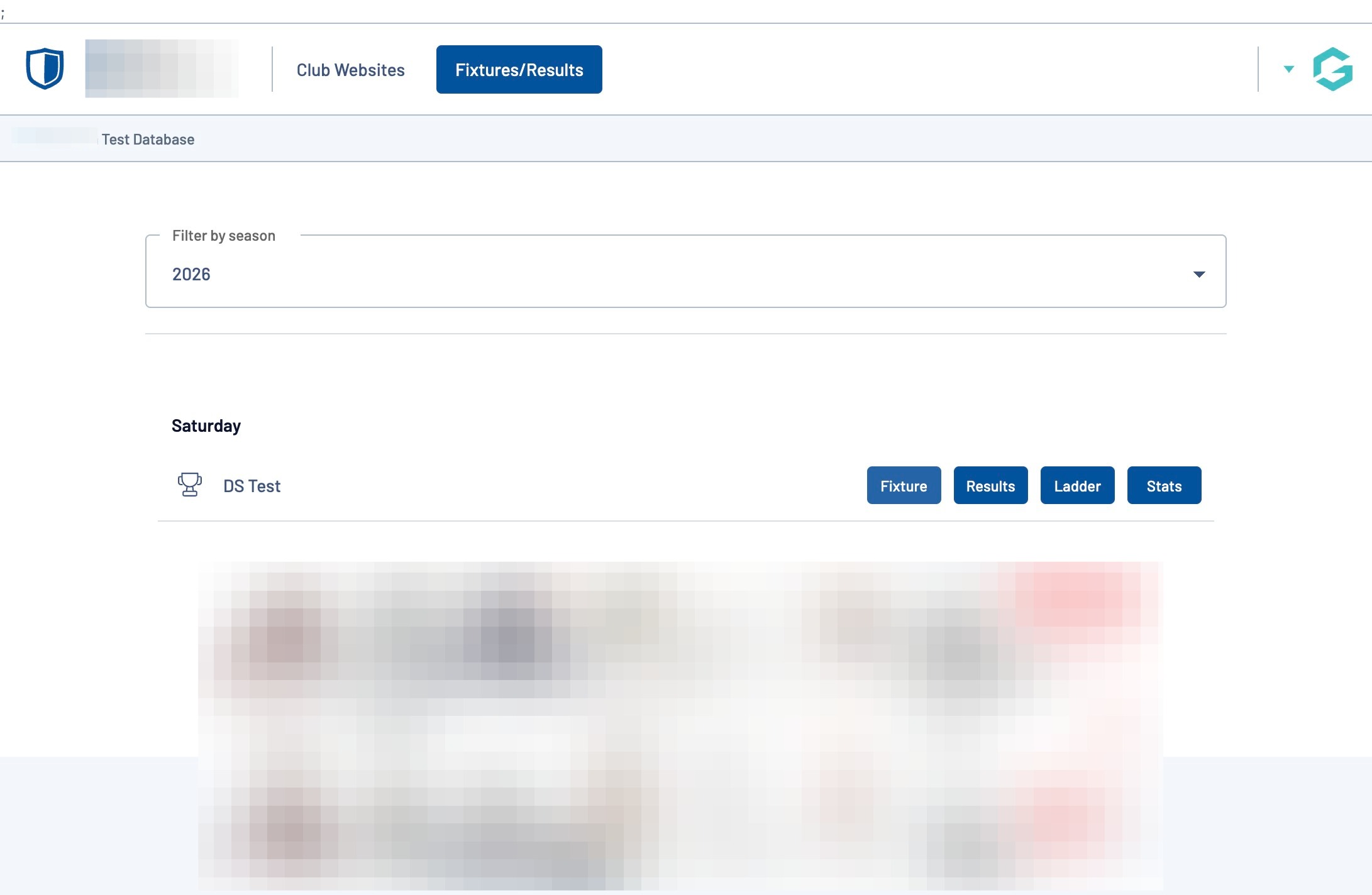
Navigate to your league's Fixtures and Results website
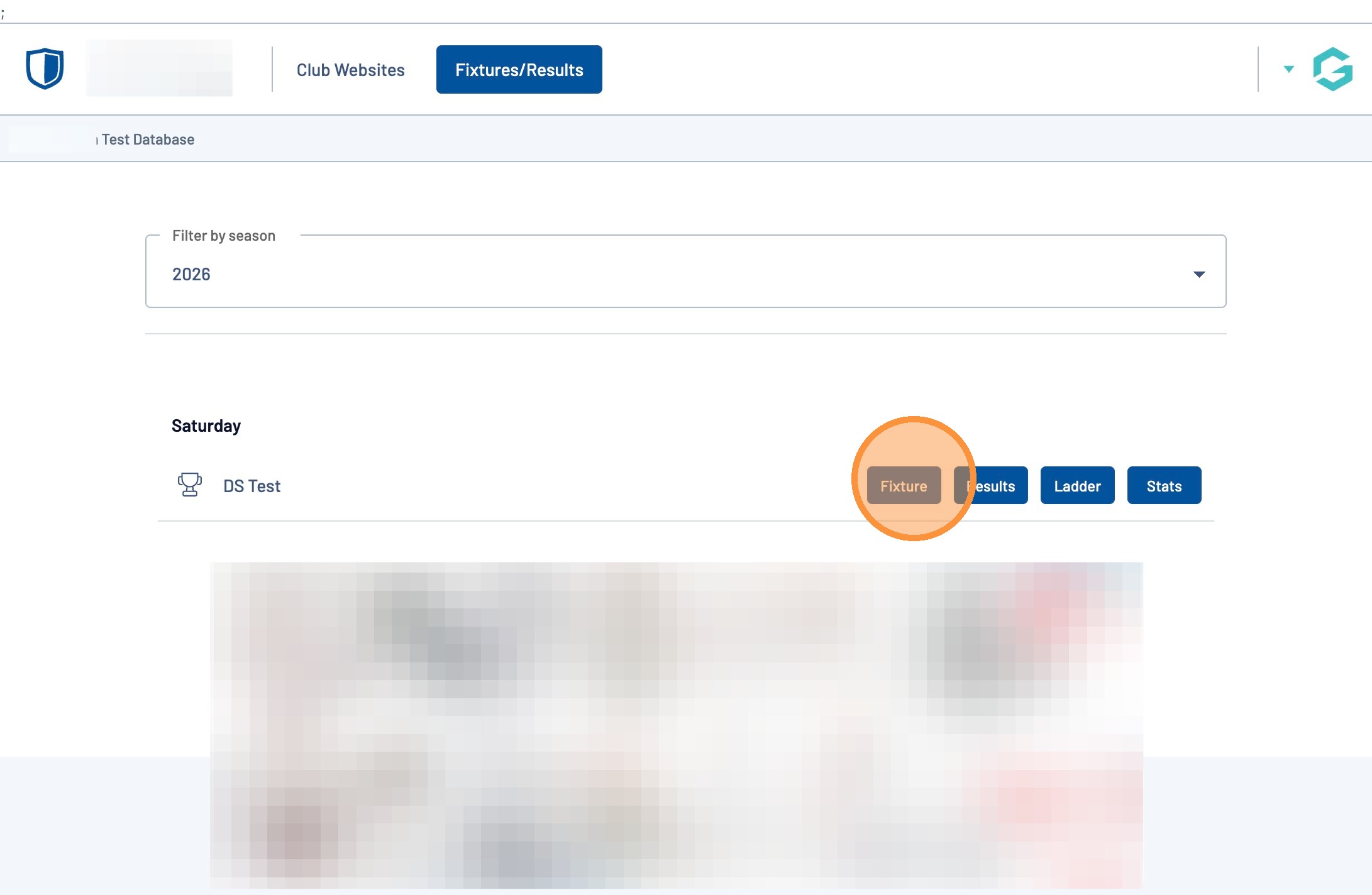
Once you have located your favourite competition, click on the "Fixtures" button
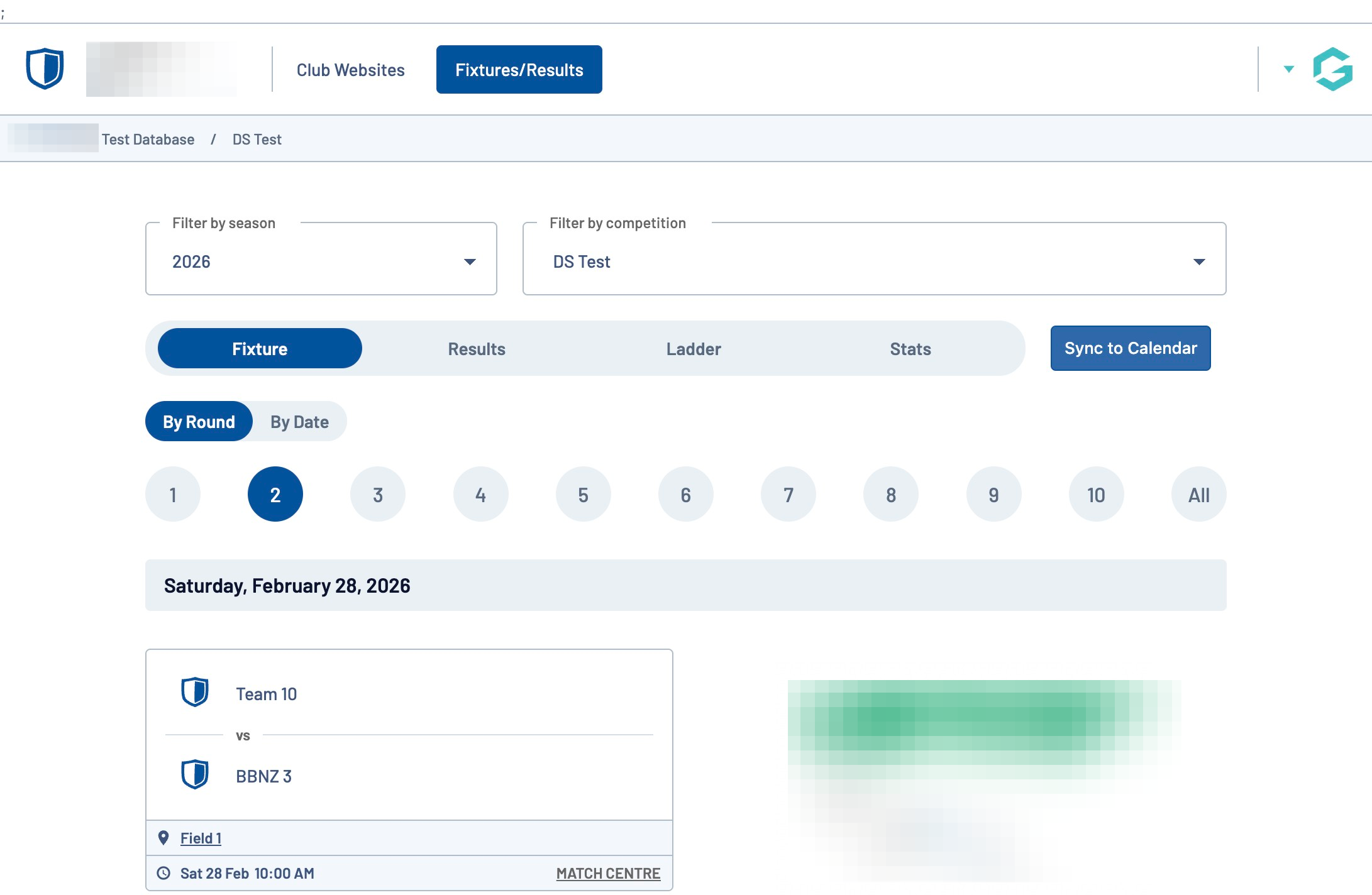
Click "Sync to Calendar"
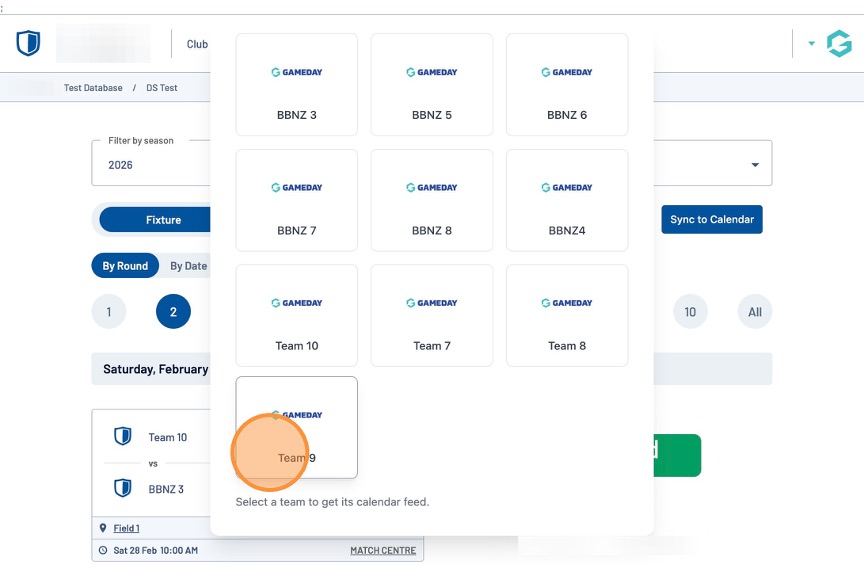
From the list provided, locate your favourite team and click on the team icon.
Note: You can also choose to follow all teams in the competition
Select the application you wish to sync with
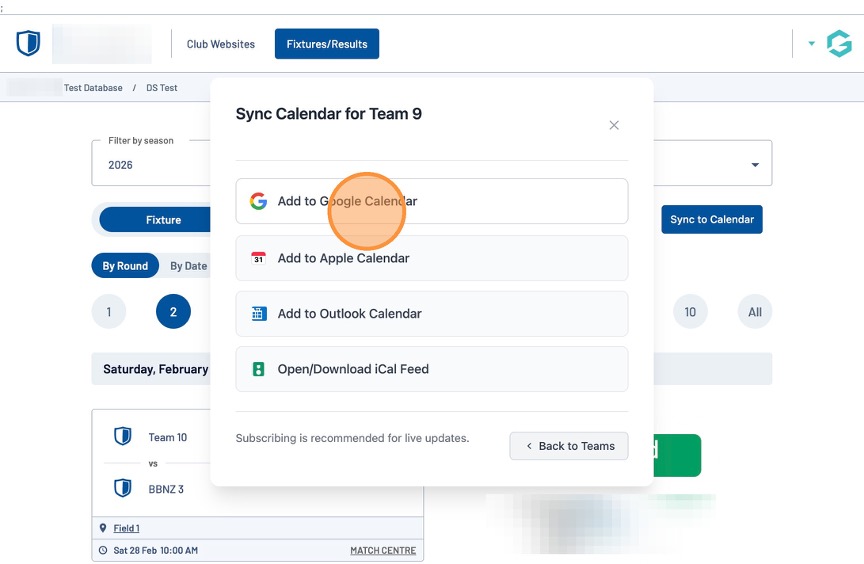
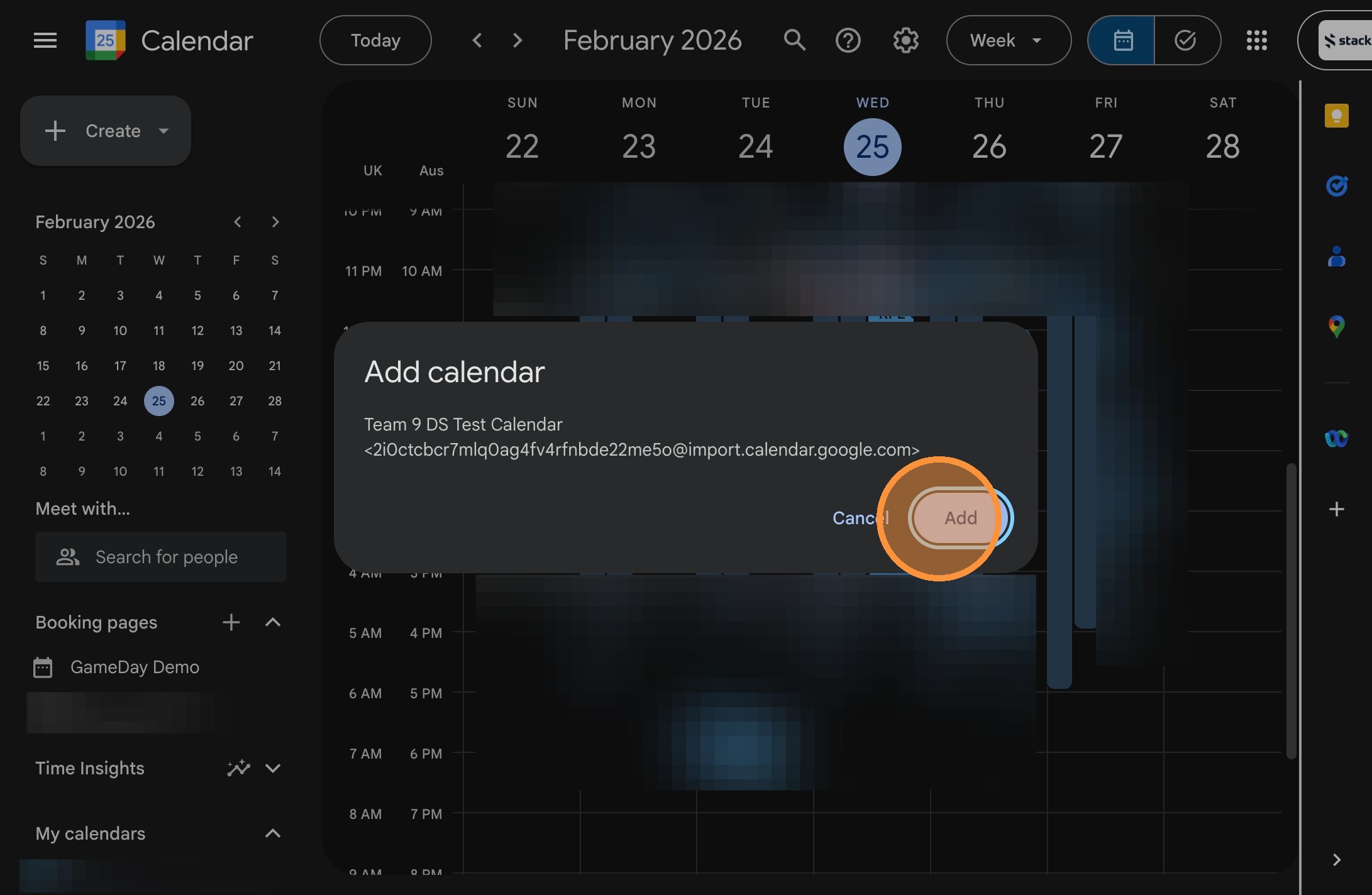
A prompt will appear to confirm that you would like to add this team to your calendar. Click "Add" to confirm this selection
Note: the screenshot below is an example based on the Google Calendar option